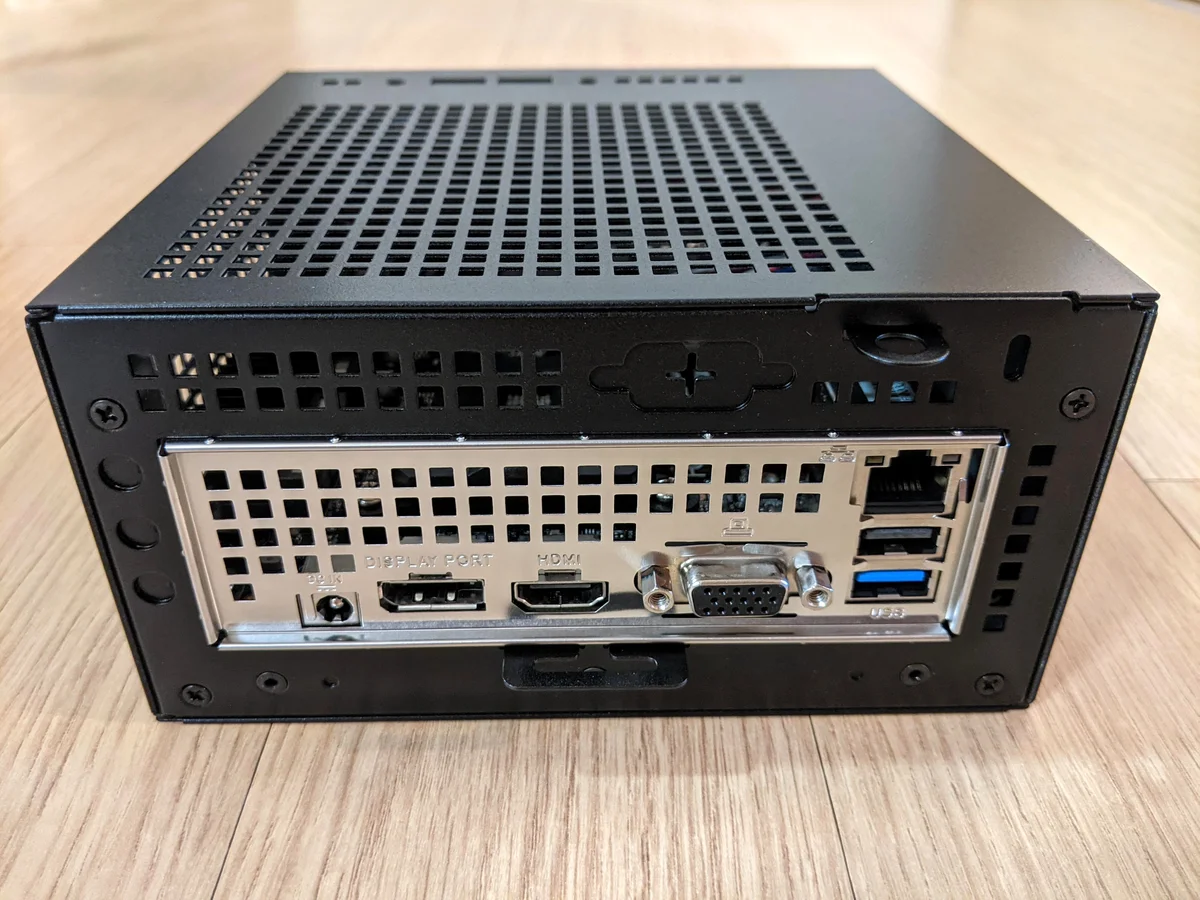
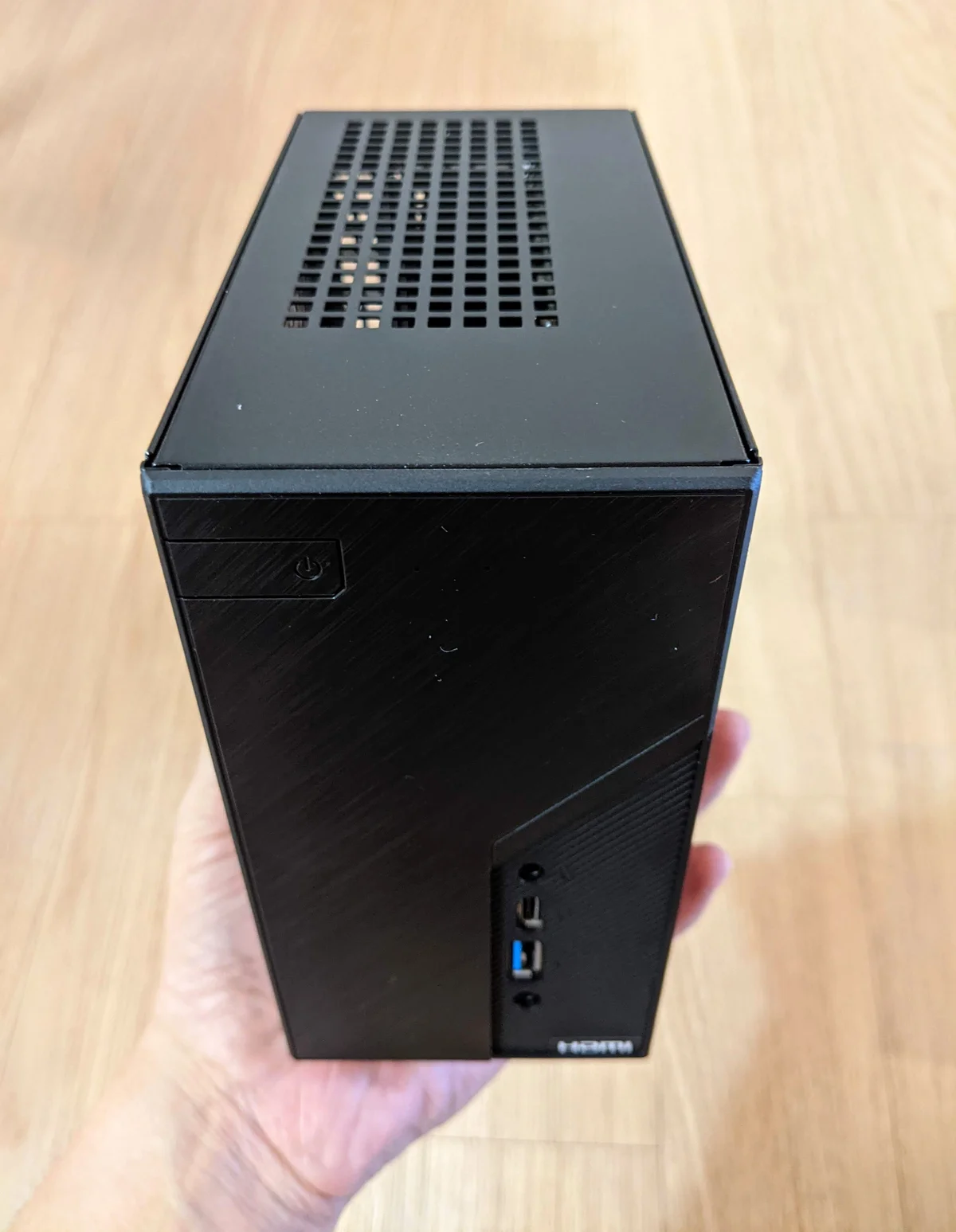
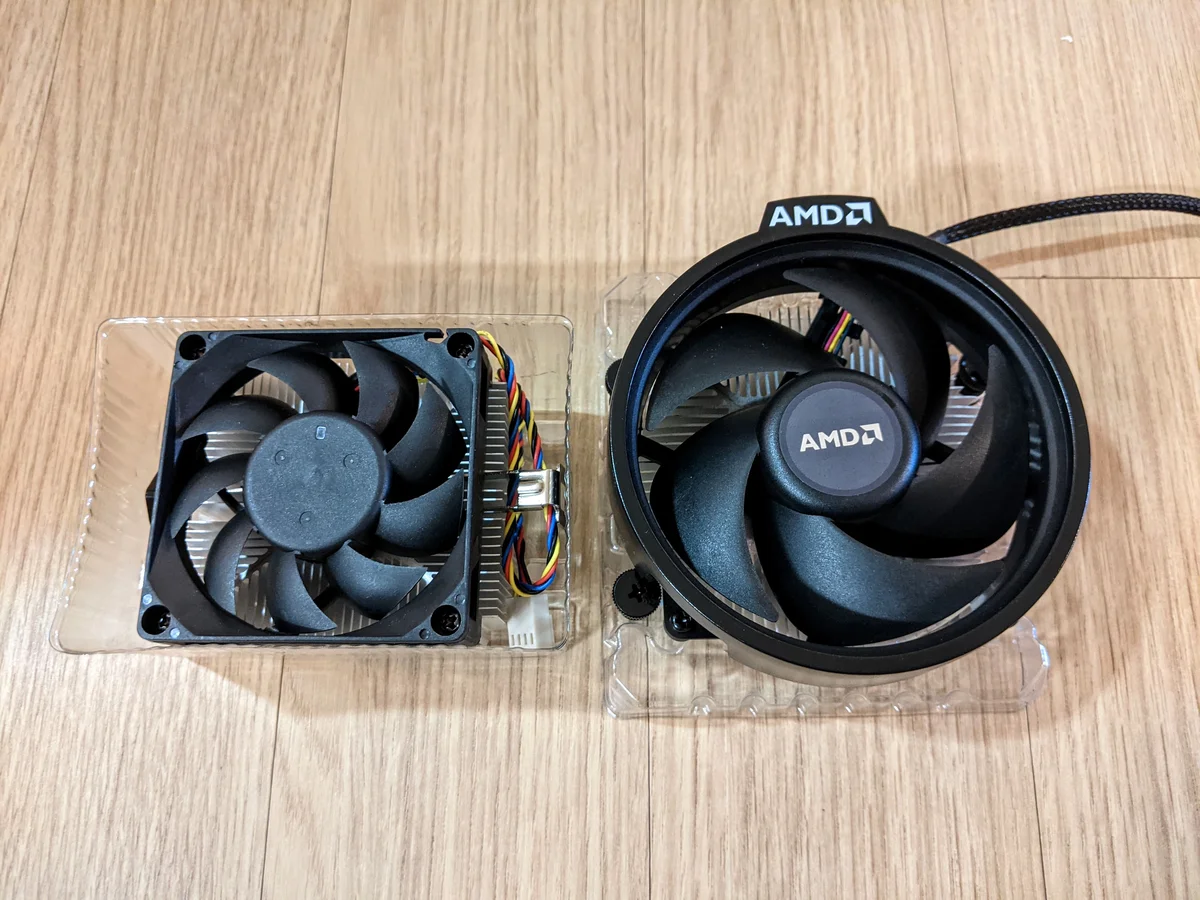
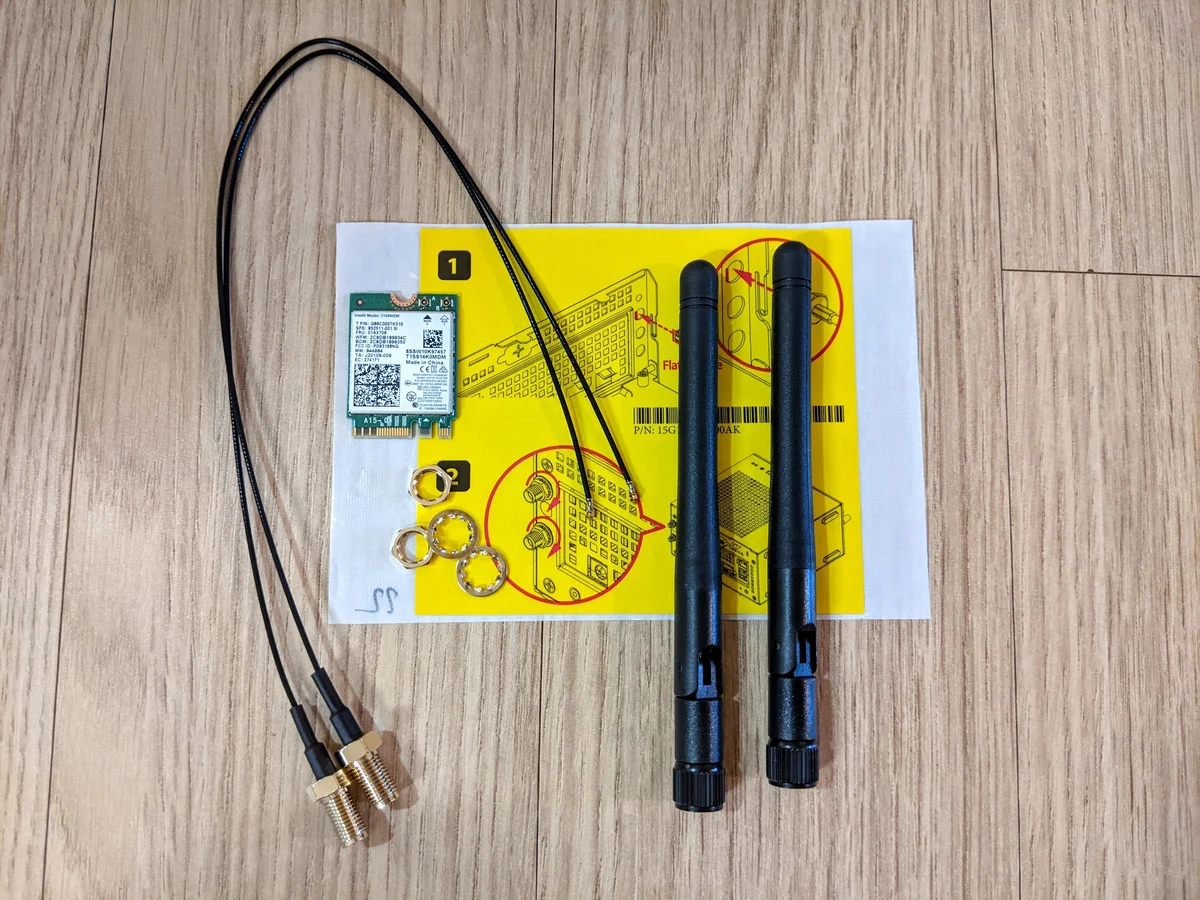
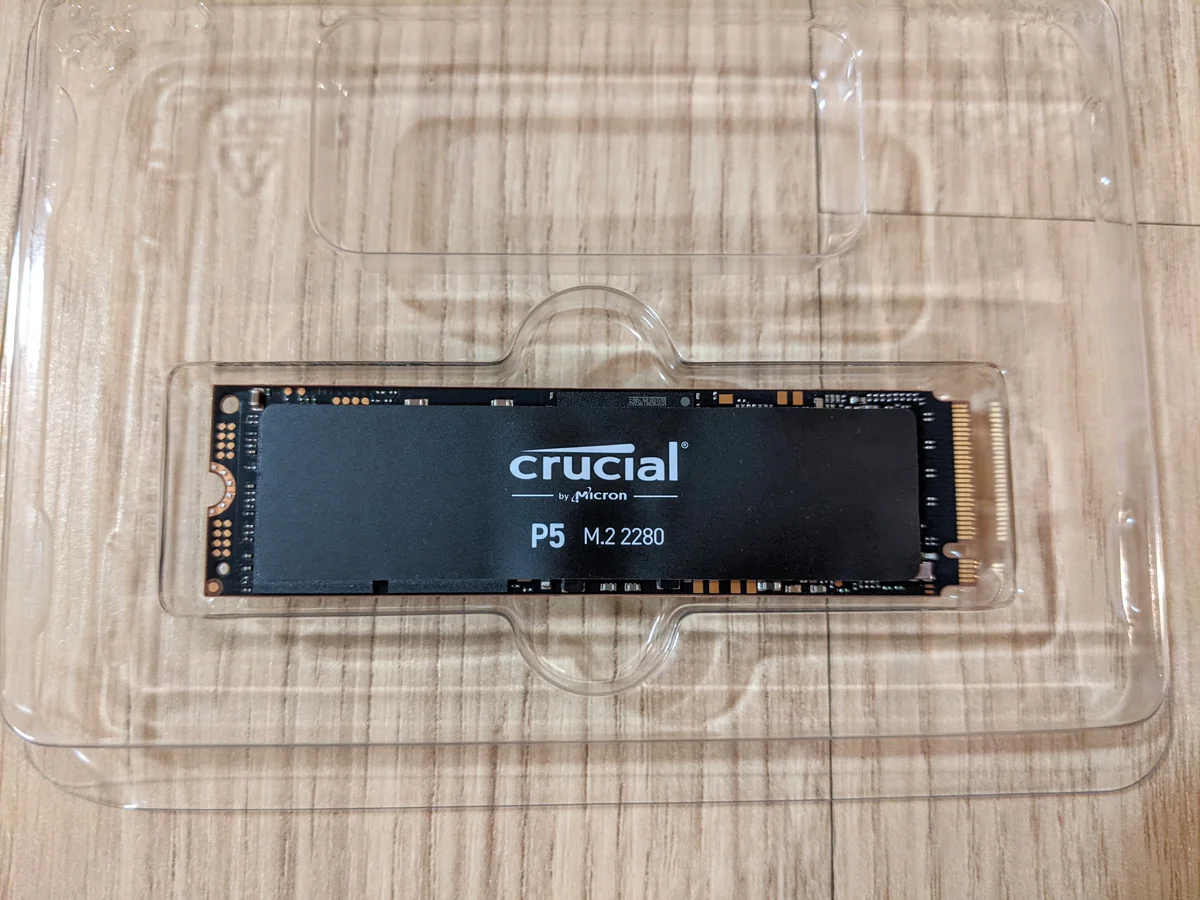
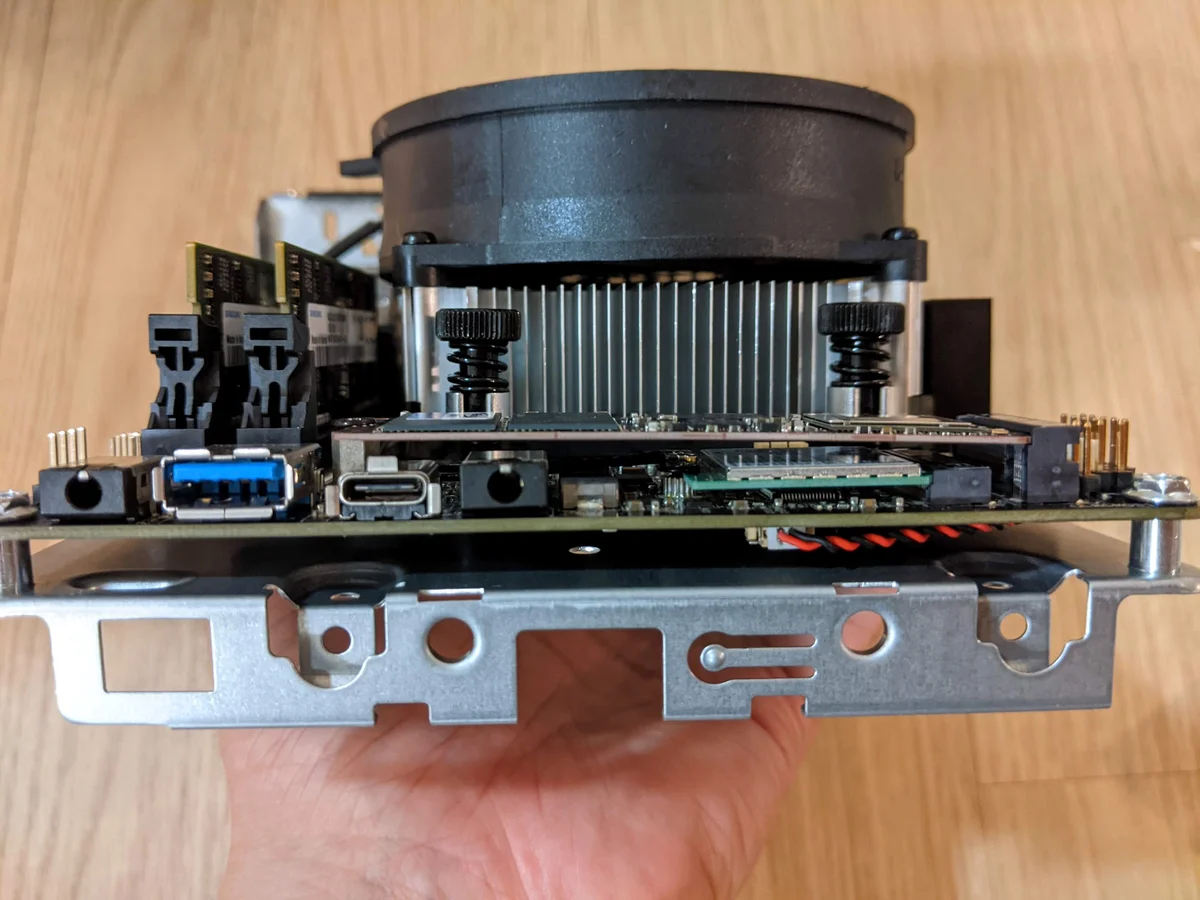
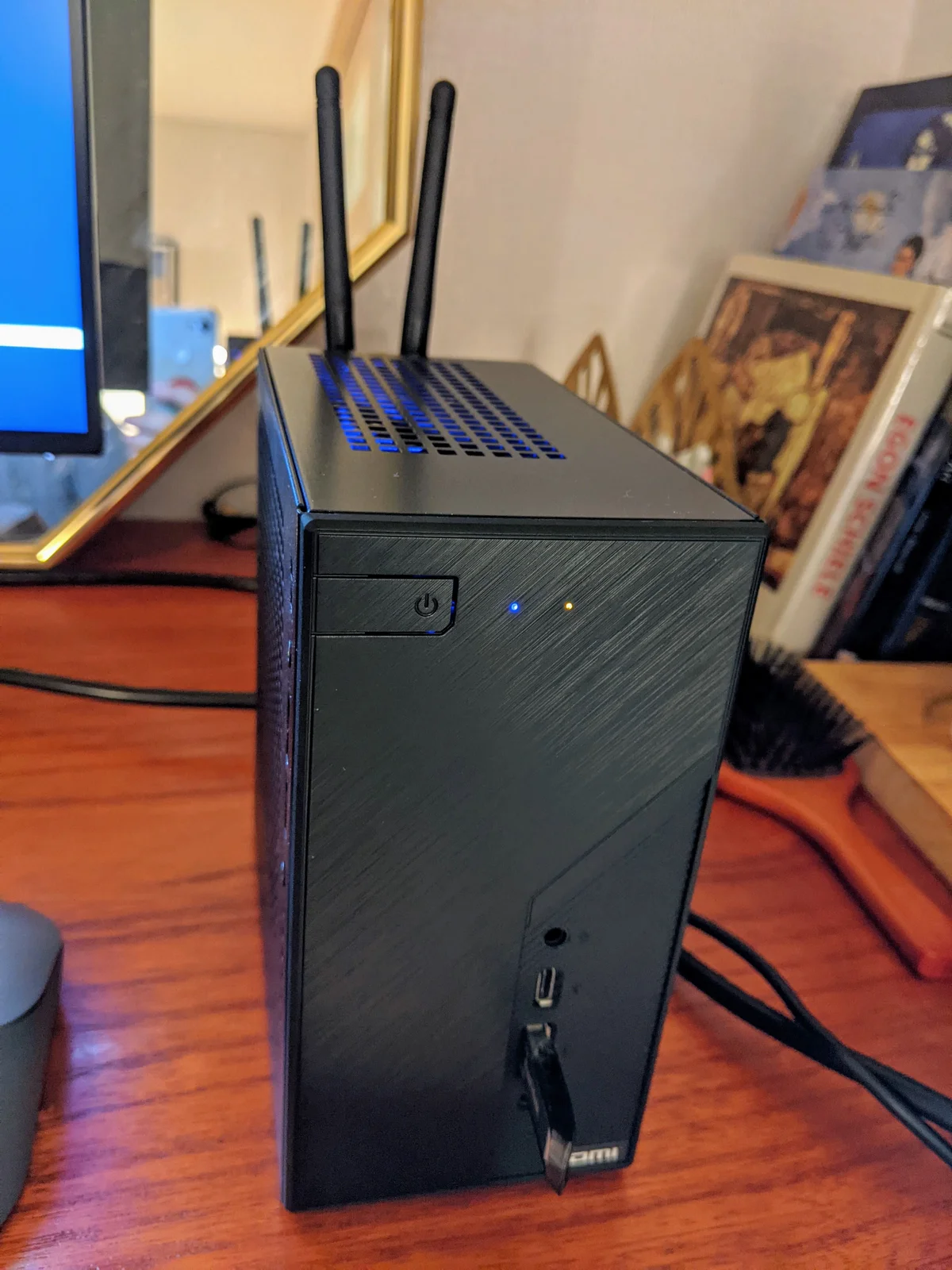
The DeskMini (case + board + power) plus CPU, RAM, and SSD — that’s all you need for a complete build.Components of the DeskMini X300 laid out. Quite a full set.The 70mm stock cooler included with the X300.It looks pretty basic, but since I’m using the Ryzen Wraith Stealth cooler for the 4650G anyway, it’s not a concern.A neat, square-shaped design.True to ASRock’s style, the design isn’t particularly sleek, but its tiny size gives it a cute charm.On the front, there’s a power button, one USB 3.0 Type-A, one USB 3.0 Type-C, and mic and headphone ports. It even has separate LEDs for power and HDD activity—small but fully featured.The rear ports include DC power, DisplayPort, HDMI, D-Sub, one USB 3.0, one USB 2.0, and a LAN port. Although the D-Sub is mostly useless, you can connect up to three monitors at once—which is classic ASRock.Compact enough to fit comfortably in your hand.Power adapters range from 90W to 120W and 180W, so choose according to your specs. I went with the 120W version.To install components, remove the motherboard from the case. (It slides out smoothly.)Motherboard using the AMD X300 chipset and STX form factor designed for ultra-compact PCs.I debated between the Ryzen 5600G and 4650G CPUs but chose the 4650G.CPU installed.Comparison between the X300 stock cooler and AMD’s Ryzen Wraith Stealth cooler. Even though Stealth is the weakest Ryzen cooler, it looks much stronger than the X300’s fan.The problem is the X300’s low case height—installing the Stealth cooler causes interference. Removing the guard on top of the cooler, as shown on the right, barely clears the case height. But removing the guard is tougher than it looks.Installed with the cooler guard removed. Removing the guard doesn’t affect cooler performance.Because of the small board size, laptop RAM is used. Two Samsung DDR4-3200 16GB modules ready.RAM installed.Next up, installing the Wi-Fi/Bluetooth module, which is an optional add-on.Remove the knockout panel in the round section on the back of the case and attach the antenna connector.The SSD is a Micron P5 NVMe 500GB.Wi-Fi module and SSD installed. By the way, there’s another M.2 SSD slot on the back of the board. (ASRock really goes all out…)Side view: the wireless module sits beneath the SSD.Back of the board shows the guide for mounting two 2.5-inch SSDs or HDDs. The expandability is insane for such a mini PC.A USB expansion cable is also included.Like the wireless module, the USB extension port is installed by drilling into the case side. This setup provides three USB 2.0 ports, two USB 3.0 ports, and one USB-C port—plenty for a mini PC.Finally, assembly complete.Small but surprisingly hefty.Antenna installation.Size comparison with a 15.6-inch Dell Inspiron laptop.Installing Windows.Connected to a 24-inch monitor.
I’ve wanted to build an STX-class mini PC/barebone system for a while, and since JJAM needed a new work PC—and she hates when PCs take up too much space—I decided to build a mini PC using the DeskMini X300.
I was debating between the Ryzen 4650G and 5600G CPUs, but in early August when I bought it, the 5600G was newly released and priced high. Also, only BIOS versions that didn’t support the 5600G were available on the market, so I went with the 4650G.
The X300 comes with a case, motherboard, and a DC power adapter that serves as the power supply by default. There’s also an optional bundle that includes a Wi-Fi/Bluetooth module and the CPU, but it was cheaper to buy the CPU separately.
The standout feature of this product is its incredibly small size. At roughly 15 cm by 15 cm, anyone would immediately say, “That’s tiny.”
The design could have been more refined—I felt it was somewhat lackluster—but it’s not bad enough to be off-putting, and given the small size, it’s hardly noticeable.
Given how toy-like the size is, you might doubt its performance, but it supports desktop-class APUs up to 65W. As of now, it can accommodate up to the 8-core 5700G, so fundamentally it’s no different from a desktop PC. (However, due to the case size, cooling is weaker, so heat management can be an issue.)
It uses laptop RAM with two slots, two M.2 NVMe SSD slots, and can hold two 2.5-inch HDDs or SSDs. It supports up to three monitors simultaneously via DisplayPort, HDMI, and D-Sub.
It also offers a generous number of USB ports, so its expandability far exceeds expectations for such a small form factor.
Of course, most people won’t be attaching every possible component to such a tiny PC.
The stock cooler included with the X300 is a 70mm fan designed for 35W CPUs, which is insufficient for the 65W 4650G, so upgrading the cooler is almost essential. Among X300 users, the Noctua NH-L9a-AM4 is considered the best option.
However, I didn’t want to throw away two perfectly good coolers and spend an additional 60,000–70,000 KRW on a new one, so I stuck with the stock Ryzen Stealth cooler that came with the 4650G.
Note that, as mentioned above, you must remove the guard piece on top of the stock cooler to fit it inside the case.
Since JJAM won’t be gaming on this PC and will use it mainly for work, the Stealth cooler was adequate for typical tasks in terms of both heat and noise.
With the DeskMini X300, I confirmed that by paying some attention to cooling, you can build a mini PC that offers excellent expandability, supports the latest Ryzen 4th gen APUs, and delivers satisfying size and performance.